For clippers · Any device
Long video in.
Viral clips out.
Upload a video from your phone or computer. Pulse, our own AI, finds the best moments and Clipper Studio turns them into ready-to-post vertical clips with animated subtitles. On any device: phone, tablet, Mac or PC.
No card needed · No API key · Any device
On a phone, tablet or Mac? Open the web version
Already have an account? Log in
FromYour videos · MP4, MOV, MKV, WEBM · from phone, tablet, Mac or PC
ToTikTok · Instagram Reels · YouTube Shorts
15 seconds each · tap for sound
Watch it edit itself.
Drop a video. It edits itself.
Pulse finds the best moments, reframes them to 9:16 and adds animated captions. You just press the button.
One long video. Ten clips or more.
A podcast, an interview, a stream: one upload turns into a batch of clips, ready to post.
Not just podcasts.
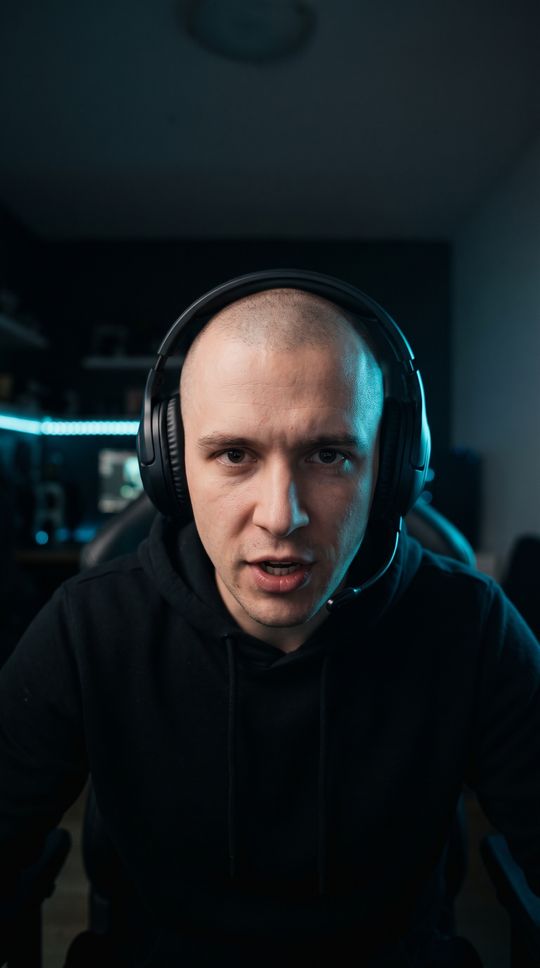
Gameplays, vlogs, streams. It finds the highlights in those too, with captions that match the moment.
How it works
Three steps. One button.
- 01
Upload your video
Pick it from your phone's gallery, or drag it in on a computer. Long podcasts and streams welcome.
▣ podcast-episode-42.mp4 - 02
Pulse picks the best moments
Hooks, stories and punchlines viewers replay, cut on full sentences, never mid-word.
8 clips found in a 2-hour podcast
- 03
Get vertical clips
Reframed to 9:16, following whoever is speaking, ready to post.
9:16 reframeAnimated subtitlesOn-screen hookCaption + hashtags
Word-by-word · synced to the voice · burned into the clip
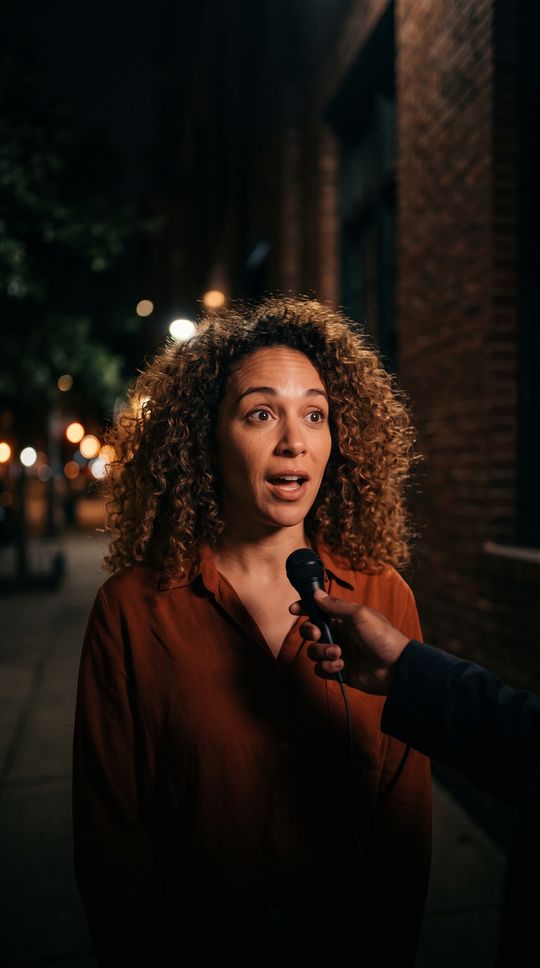
Animated subtitles, 22 styles
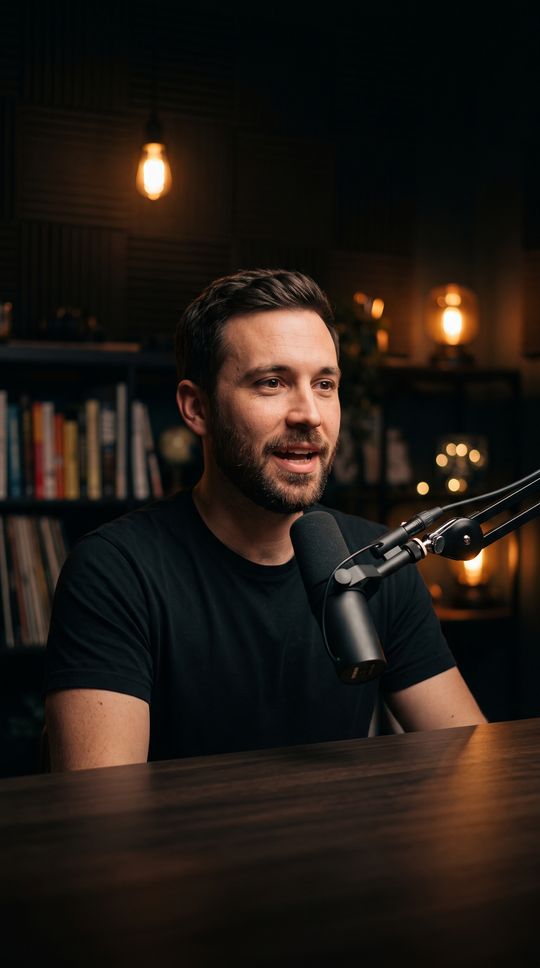
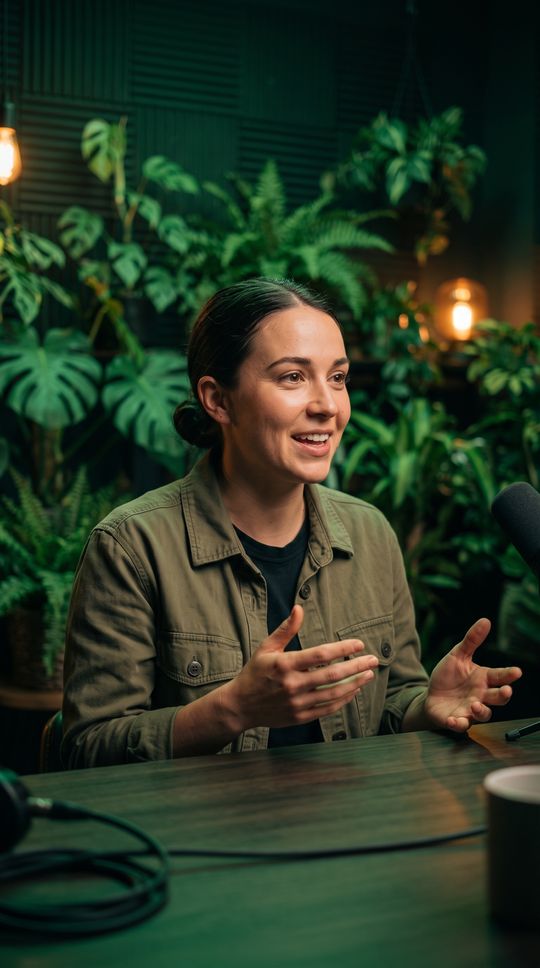
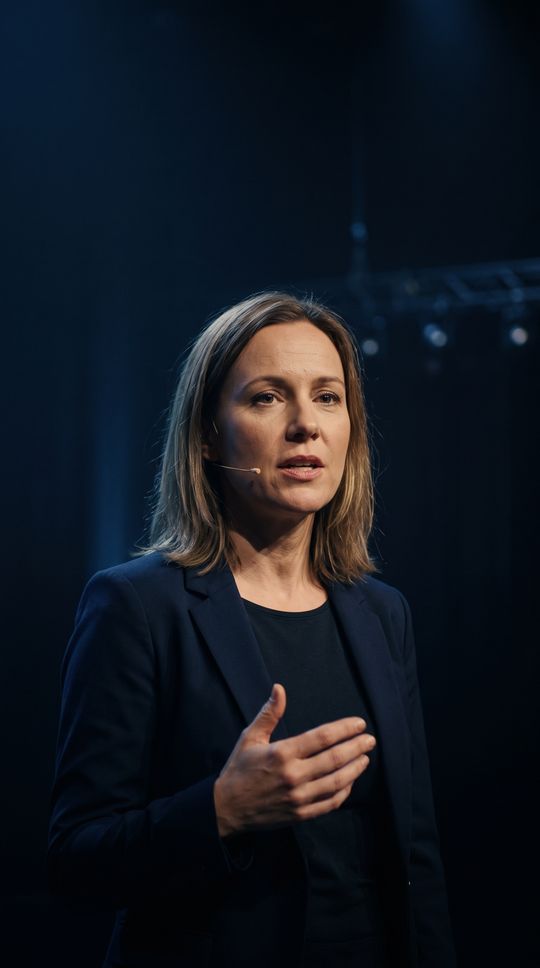
this about money
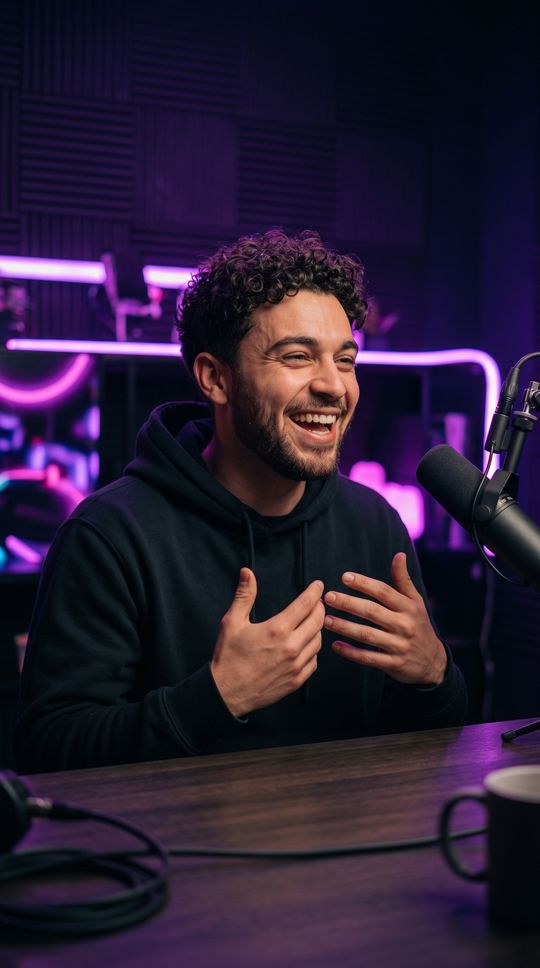

you make daily
typewriter, retro, marker, neon, karaoke, quote cards and more.
Like a clip you saw? Upload it and clone its style: captions, font, colors, hook and framing.
Our own AI · included
Pulse picks the moments.
An AI we trained ourselves to spot what viewers replay: what is said and how it is said. No API key, no extra account, no limits.
Pulse
Included- No API key, no extra account
- Unlimited, part of your plan
- Works on any device
Want something specific?
By keyword
Only clips where a word or phrase is said.
By a person
Upload their photo: only clips where they're on screen.
Prefer your own AI? It works too
- Claude
- ChatGPT
- Gemini
- Groq
- DeepSeek
- Mistral
- Grok
- OpenRouter
- Ollama
- Custom
Editor · included
A real editor. Still simple.
Cut, move and trim on a timeline like in a pro editor, with clear buttons anyone can use in seconds. Fix any clip, or make your own.
Cut, move, trim
Split a clip into parts on a real timeline. Drag them into any order, trim or delete them, and change the speed and volume of each one. Remove silences in one click.
Texts, logos and effects
Add your own texts and images on top, color filters, a vignette and fades. Drag them right on the video.
AI voice and AI chat
Let an AI voice read your hook or narrate the clip. Or just type what you want changed and the editor does it, with your own AI key.
The whole video, in view
The full video sits above the timeline, with Pulse's best moments marked. Drag your clip anywhere in it, or pick any moment to make a new one.
Your music, one click
Import your own song, or the sound of a TikTok saved as MP4, or just drag it onto the editor. 6 royalty-free tracks included too.
Your text, your look
Change the hook, the captions, the font, the size, the position and the watermark. Fix any word. Apply it to the whole batch.
One long gameplay, clipped on the timeline.
Built for clipping campaigns
Follow the rules. Skip the strikes.
Campaign rules
Required hashtags, mentions and your watermark added to every clip. Make clips mention the brand.
Captions ready
Hook, caption and hashtags for TikTok, Instagram and YouTube. Copy and post.
Copyright warnings
Flags footage Content ID is likely to block before you waste time on it.
Fast with NVIDIA
Got an NVIDIA graphics card? Clips are rendered on it automatically, and transcription can run up to 10× faster.
Private
Your AI keys stay on your device, never on our servers. Prefer everything offline? Use the desktop app.
Always up to date
New versions install in one click. 2 computers + the web on any device.
Any device
Phone, tablet, Mac or PC: the same studio in your browser, editor included. Upload a video and get your clips. Included in your plan.
Every format
9:16, 4:5, square or 16:9, up to 4K and 60 fps. One clip, every platform.
Pricing
Start free. Keep going for $10.
Free trial
$0no card needed
- 3 clips, on any device
- Pulse AI, no API key
- Auto clips or the Editor
- All subtitle styles
Clipper Studio
Full access$10per month
- Unlimited clips
- Pulse, our own AI, unlimited
- Timeline editor, AI voice, 6 music tracks
- 22 subtitle styles, or clone any style
- Campaign rules, captions and hashtags
- Any device: web (10 h/month) + 2 PCs
- One-click updates and support
Cancel anytime · 7-day refund on your first payment · Secure checkout by Whop
FAQ
Questions, answered.
What do I need to run it?
Just a browser: Clipper Studio works on any phone, tablet, Mac or PC. There is also an optional desktop app for Windows 10/11 PCs (64-bit, 8 GB of RAM, 5 GB free), with no upload and no monthly hours limit.
Does it work on my phone, tablet or Mac?
Yes, on any device. The web version is the same studio in your browser, editor included: upload a video from your phone, tablet, Mac or any computer and get your clips. Sign in with your Whop account; your plan includes 10 hours of video a month there, and the desktop app stays unlimited. On the web you add videos as files (links are for the desktop app) and they are processed on our servers.
Do I need an AI subscription?
No. Pulse, our own AI, is included: it picks the moments with no API key and no extra account. If you prefer, connect Claude, ChatGPT, Gemini or another provider (Gemini and Groq have free plans). Your own AI can also follow written requests, like “only when they talk about money”.
Can I edit the clips?
Yes. Click Edit on any clip to open it on a timeline, like in a pro editor: split it, drag the parts into any order, trim or delete them. Press Whole video to see the full video above the timeline and drag your clip anywhere in it. Change the speed and volume of each part, add your own texts, logos, color filters and fades, and change the hook, captions, font and watermark. In the Editor tab you can also make clips by hand, with Pulse's best moments marked on the timeline.
Is there music included?
Yes. The app comes with 6 royalty-free tracks you can add to any clip. You can also import your own songs, or the sound of a video (like a TikTok saved as MP4), in one click or by dragging the file onto the editor. Sort them into collections and control their volume, speed and fade.
Which videos can I clip?
Your own videos (MP4, MOV, MKV, WEBM), uploaded from any device. In the optional Windows desktop app you can also paste links from YouTube, Twitch and other sites. You are responsible for having the rights to what you clip: use campaign content or footage you have permission to use.
How does the free trial work?
Make 3 clips on any device: in your browser on a phone, tablet or Mac, or in the desktop app on a PC. No card needed. If you like it, the monthly plan unlocks unlimited clips.
How many computers can I use?
Your plan works on 2 computers, plus the web version on any device. New versions install in one click from inside the app.
Can I cancel or get a refund?
Cancel anytime from your Whop account. If it isn't for you, ask for a refund within 7 days of your first payment.
Which languages does it support?
The app comes in English, Español, Português, Français and Deutsch.
Your first 3 clips
are on us.
Drop in a video and see what Clipper Studio makes of it. No card needed.